
Did a QR code bring you here?
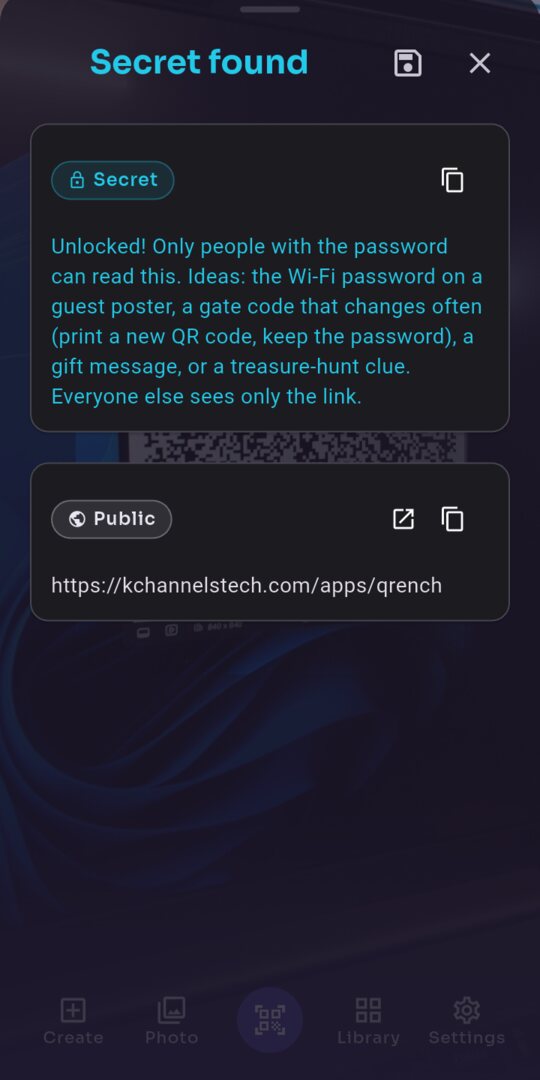
The code you scanned may hold a hidden secret. Your scanner can read only its public content: this link. To see the secret, scan the same code with QRench.
A QR code with a secret inside.
Plainly secret.
A QRench code is an ordinary QR code. Any scanner reads its public content — a link, a text or a contact — as usual. Only QRench finds the secret hidden inside the same QR code.
One QR code, two audiences
This is a form of steganography: hiding information in plain sight. Share or print a QRench code like any other QR code.
Public content
A link, a text or a contact. Every scanner reads it, and every phone can open it.
The secret
Only QRench finds it. Lock it with a password, and only the people you give the password to can read it.
How it works
Create
Type the public content and a secret, or fill in a contact. Add a password if you want.
Share or print
Share or print the QR code like any other.
Scan with QRench
With the camera, from a picture, or by sharing a picture to QRench — and the secret appears.
Everyone else
sees only the public content.
Ideas
Everyone sees the public content. Only the people you choose see the secret.
Business card
Everyone: your work details.
The secret: your private mobile number, for the people you trust.
Event poster
Everyone: the event page.
The secret: the staff instructions for the team, behind a password.
Guest Wi-Fi poster
Everyone: the house rules.
The secret: the Wi-Fi password, for your guests.
Router sticker
Everyone: the manual's link.
The secret: the admin password for you, behind a password.
Greeting card or gift
Everyone: a greeting.
The secret: a private message for the person you give it to.
Treasure hunt
Everyone: a clue.
The secret: the answer, for the game master.
What's built in
An everyday scanner
It reads every QR code and checks each one for a secret. Secret scan or Regular scan, with one tap; Regular scan reads barcodes too.
Scan from anywhere
From the camera, from your gallery, or share a picture from any app — a screenshot, a picture in a chat.
Business cards
Scan a contact QR code and tap a number to call. Add to contacts opens your phone's Contacts app with the details filled in — QRench never reads your contact list. Make your own in Create.
Share to QRench
Share a link, a text or a contact to QRench from any app, and make a QR code from it.
Lock a secret
Lock a secret with a password, with the key made on your phone. Without the password, nobody can read it.
Your QR codes, kept
The QR codes you make and the ones you scan, on your phone, with two samples to try at once. Save QR code images to your gallery, or share them.
See it work
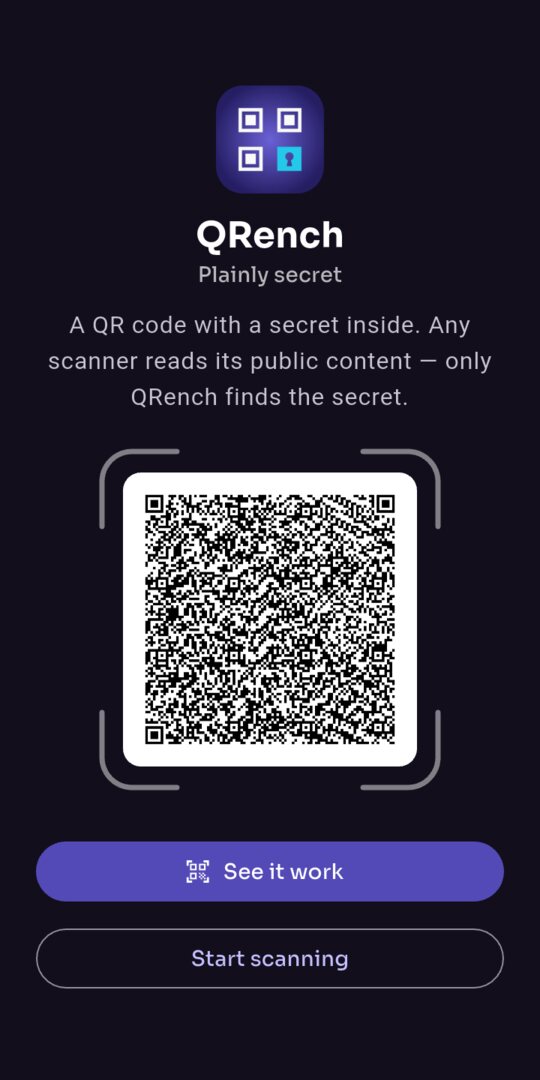 A QR code with a secret inside
Lock a secret with a password
A QR code with a secret inside
Lock a secret with a password
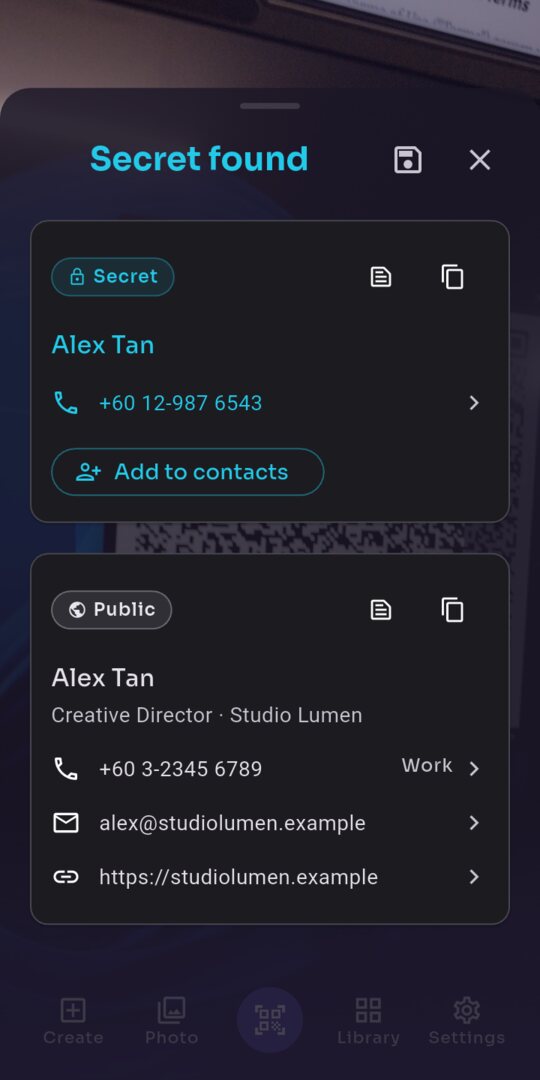 Everyone sees your card. Only QRench sees your private number.
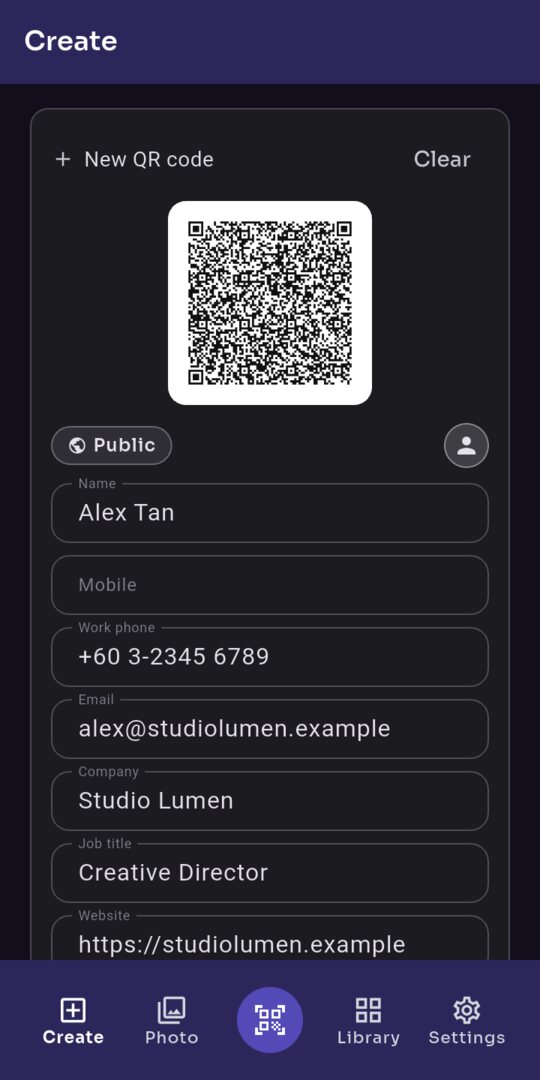 Make your own business card
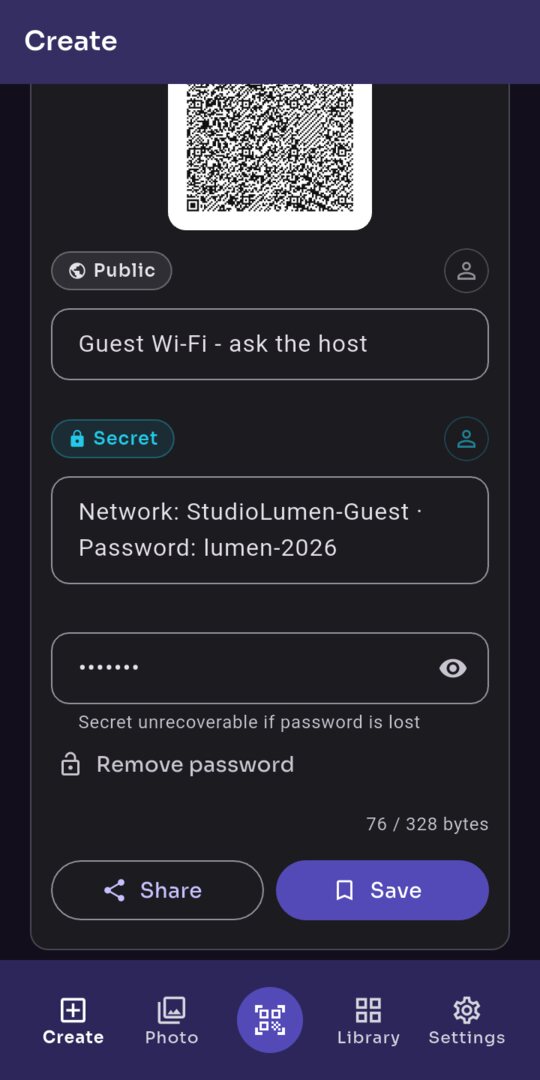 Hide a secret in any QR code
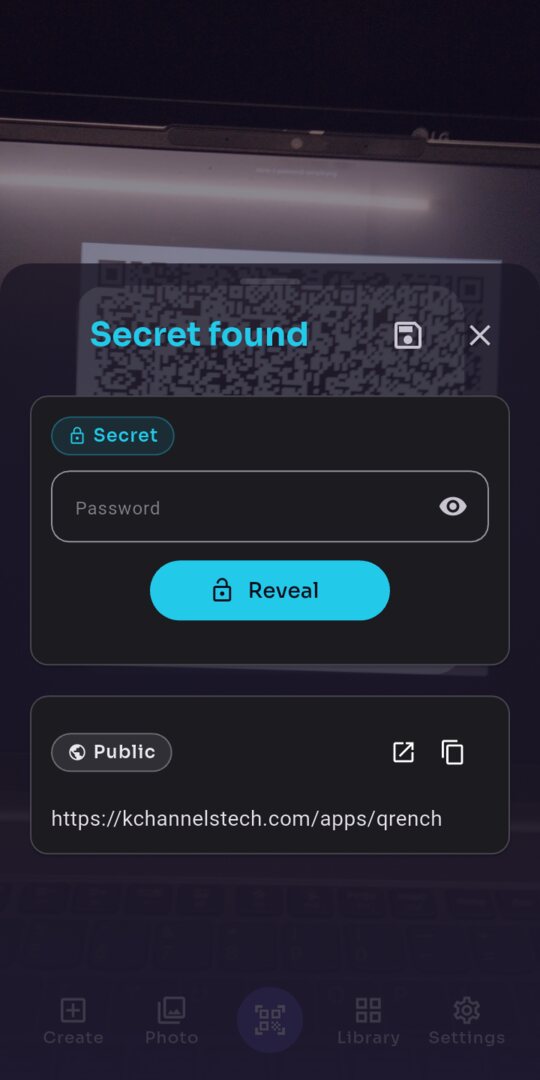 No password, no secret
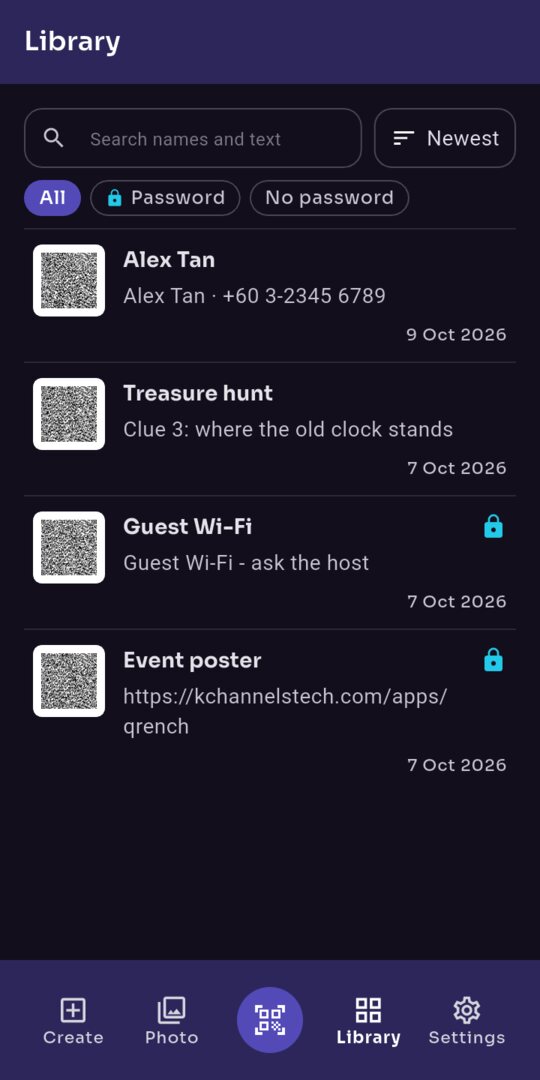 Your QR codes stay on your phone
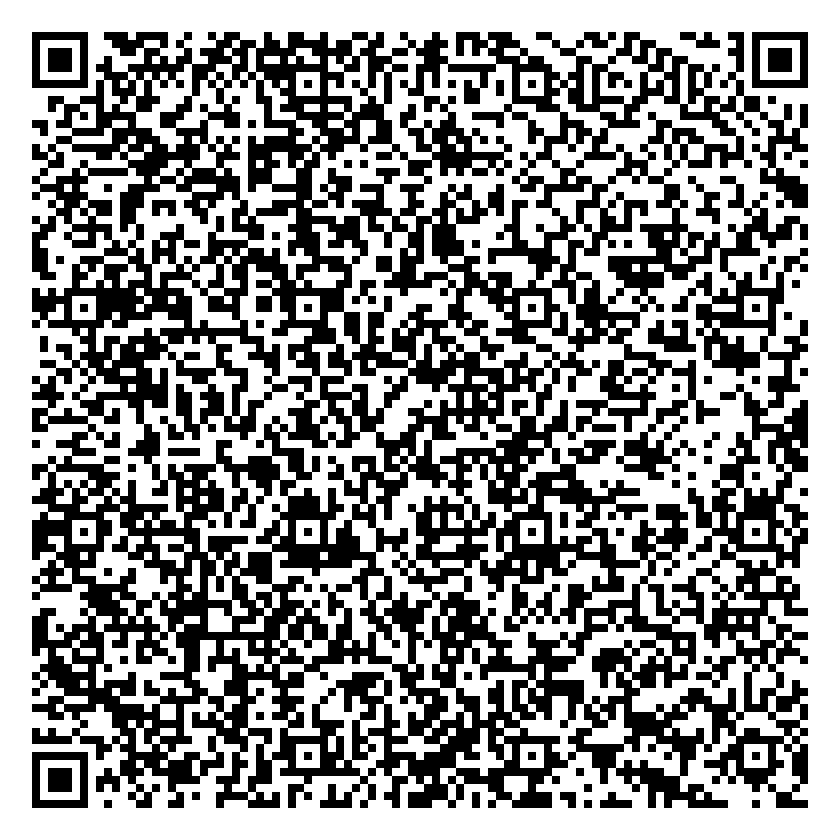
Try it
Scan it with any other scanner: you see only the public link.
Scan it with QRench: you also see its secret.
On a phone? Long-press the image and share it to QRench.
Private by design
- Your QR codes, secrets, pictures, and the text and contacts you share to QRench are read on your phone and never leave it.
- No account, no ads, and no analytics of its own.
- To read QR codes and barcodes, QRench uses Google's ML Kit, which sends Google usage statistics about the scanner — never your QR codes or pictures.
- Android backup is off: your Library stays on your phone.
- Links open only when you tap them, and the whole link shows first.
The details are in the Privacy Policy.
A secret without a password is hidden, not private: anyone with QRench can read it. For anything personal, set a password and share it privately. If the password is lost, nobody can recover the secret. A damaged, small or poorly printed QR code may not give its secret.
Plainly secret.
Make and scan QR codes that hide a secret only QRench can read.